
ReiBoot
ReiBoot is a Tenorshare utility for Windows that puts an iPhone or iPad into or out of recovery mode and repairs common iOS system problems.
69.7 MB
NVIDIA Control Panel is NVIDIA's settings tool for GeForce and other NVIDIA graphics cards on Windows. This page covers version 8.1.969.0.
Average 0.0 · ratings: 0
Thank you! Your rating is saved; you can change it. Could not save the rating. Please try again later. Too many ratings from your network today. Please try again tomorrow. The average appears after 5 ratings.
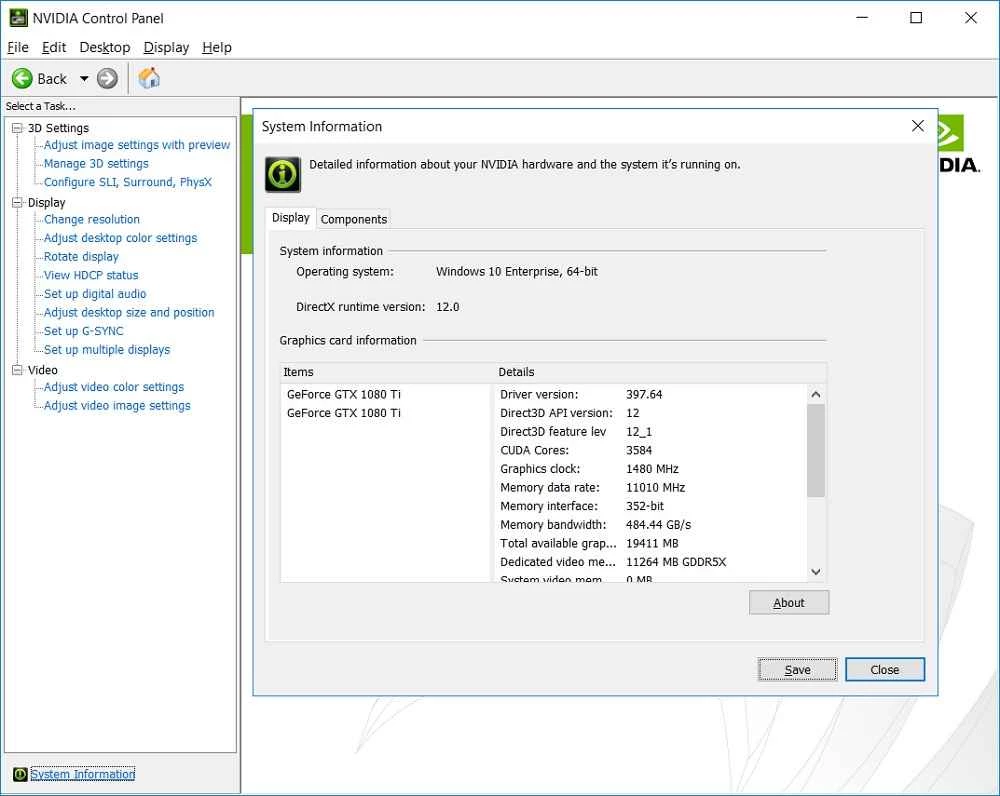
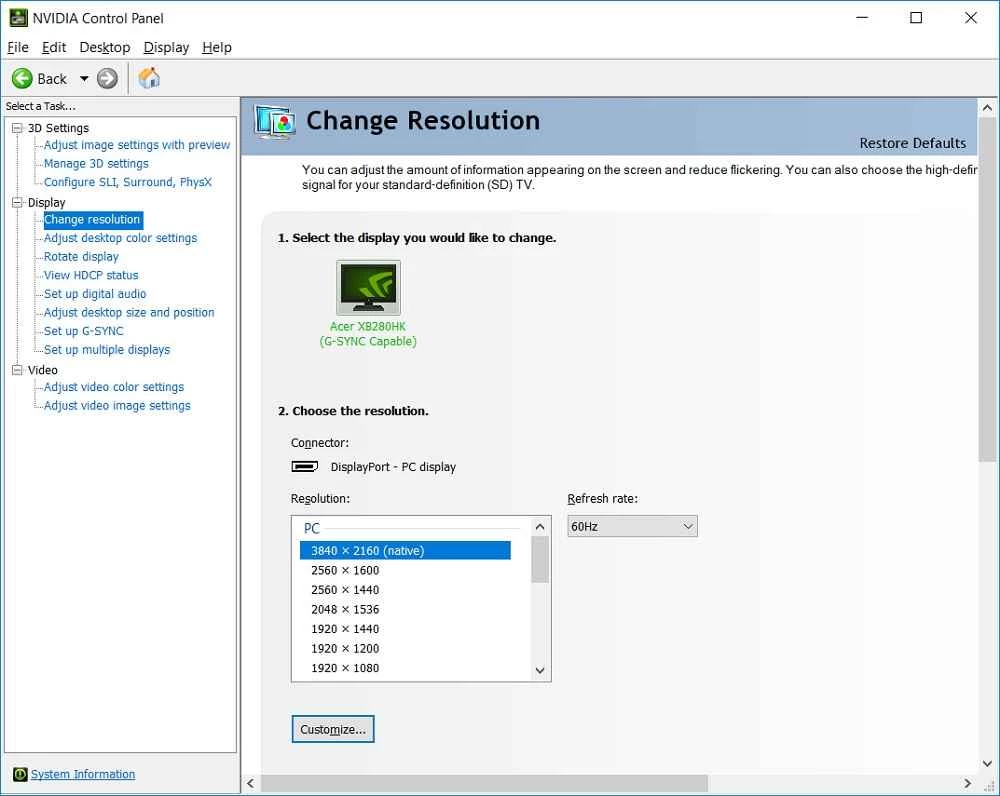
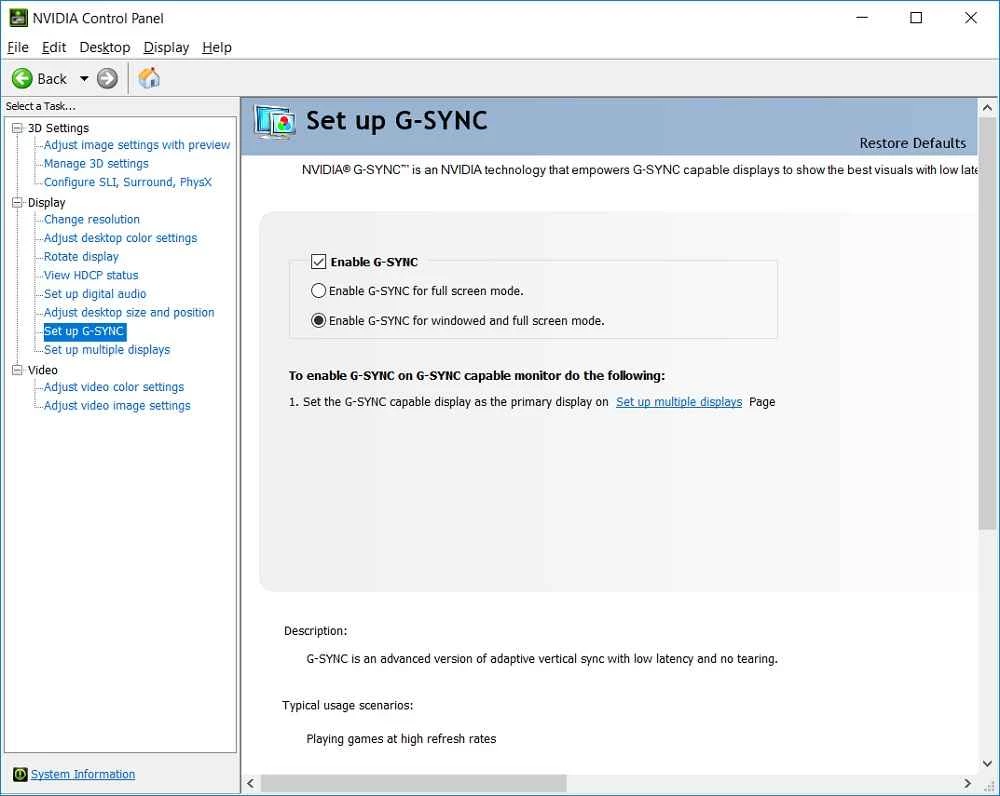
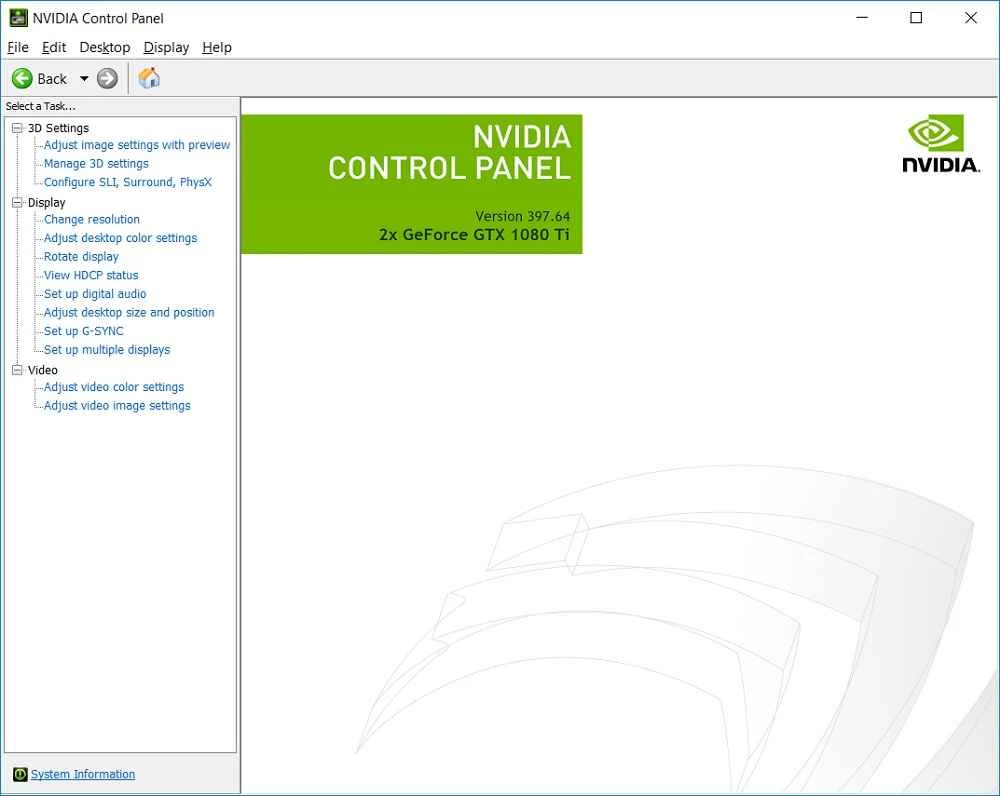
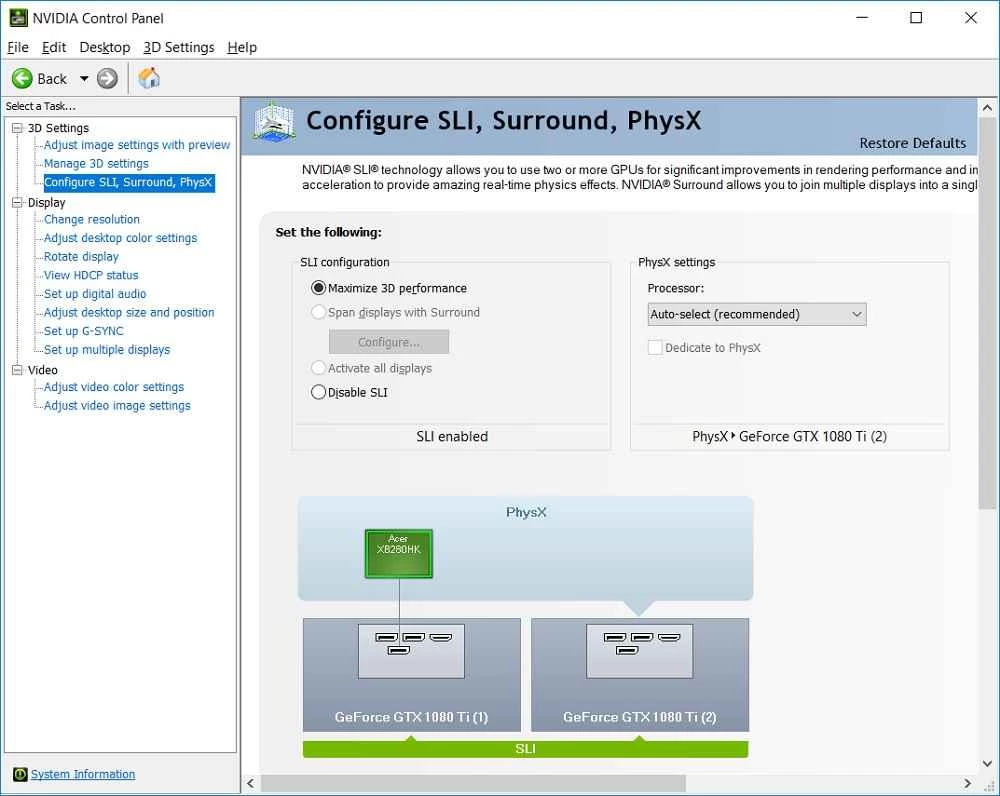
NVIDIA Control Panel 8.1.969.0 for Windows is the settings tool from NVIDIA Corp. for computers with an NVIDIA graphics card. It is free and normally arrives together with the graphics driver, so the download is really about getting the right driver package; the spec sheet below covers the details.
| Parameter | Value |
|---|---|
| Program | NVIDIA Control Panel |
| Version | 8.1.969.0 |
| Developer | NVIDIA Corp. |
| System | Windows |
| Licence | Free |
| Category | drivers and hardware tools |
| Package size | about 5.60 MB according to catalogue data |
| Needs | an NVIDIA graphics card with the NVIDIA driver installed |
The NVIDIA Control Panel is where you adjust how your graphics card works. You can set the screen resolution and refresh rate, arrange several monitors, correct colours, and choose global or per-program 3D settings that affect games and creative software. On laptops with two graphics chips, it is also the place to decide which programs should use the NVIDIA card. The panel opens from the desktop right-click menu or from the Windows Start menu, and its layout has stayed familiar for years, which many users appreciate. NVIDIA has since introduced the NVIDIA App for driver updates and newer features, and it publishes release highlights for it, but the Control Panel remains available for classic settings.
The official help lists a very modest baseline: Microsoft Windows XP or later, a 600 MHz processor or better (1.5 GHz recommended), 128 MB of RAM (256 MB recommended) and 2 GB of free disk space. In practice the real requirement is a supported NVIDIA graphics card and a current driver for your version of Windows. See the requirements page.
The official help explains every page of the panel.
If the panel does not open, restart the NVIDIA display service or simply reboot. When settings seem to have no effect in a game, check whether the game overrides them in its own options. After a Windows feature update, install the newest driver again, since an outdated package is the usual reason for a missing or empty panel.
Download drivers only from NVIDIA or your PC maker. Fake "control panel" downloads on third-party sites often carry adware. Before big changes, note your current settings so you can restore them.
From the drivers category in our listings: DirectX 12 for the graphics runtime games rely on, and driver tools such as Driver Easy or DriverMax for other hardware. For NVIDIA drivers themselves, stick to NVIDIA's own site.
ReiBoot is a Tenorshare utility for Windows that puts an iPhone or iPad into or out of recovery mode and repairs common iOS system problems.
DirectX 9.0c is an older version of Microsoft's multimedia and graphics APIs that many classic Windows games still need to run.
DirectX 10 is a version of Microsoft's multimedia and graphics API that comes with Windows; older games may also need the DirectX End-User Runtime.

3uTools is a free Windows program for managing an iPhone or iPad from a PC, including files and device information.

Huawei HiSuite is Huawei's official PC suite for Windows and macOS for backing up, managing and updating Huawei phones and tablets.
DirectX 11 is a version of Microsoft's collection of multimedia and graphics APIs that Windows games and apps use to work with the graphics card and sound.
DirectX 12 is Microsoft's graphics and multimedia API for Windows. It is part of the system and updated through Windows Update and graphics drivers.

DriverPack Solution is a free Windows tool by Artur Kuzyakov that detects missing or outdated drivers and installs them from its own driver collection.